
Web File Manager
CompleteFTP users can manage their files on the server with SFTP or FTPS clients, but a more convenient option is the Web File Manager, a web application accessed like any website from a phone or desktop browser. It is available in the Professional and Enterprise MFT Editions.
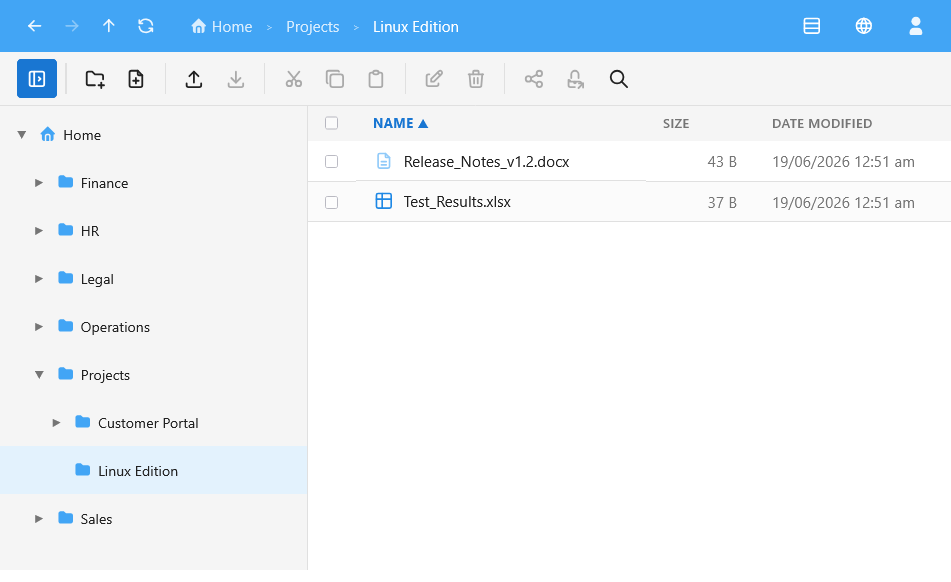
Full file management in the browser
From any browser, users can upload files by drag-and-drop with a live progress tray, download them, and organise their storage: create folders and files, and copy, move, rename, and delete with familiar cut, copy, and paste. Getting around is just as familiar, with a folder tree, breadcrumb trail, back and forward history, and search across the current folder.
Preview without downloading
Files can be opened in place rather than downloaded first, with built-in viewers for images, PDFs, and text, so users can check a document or image without leaving the browser.
Built for every user
Where the server permits it, users can share files and folders with people outside the organisation. The interface is fully responsive for phones and tablets, ships in 20 languages that can be switched at any time, and offers light and dark themes that can be matched to your branding. Power users can drive the entire app from the keyboard.
See it in action
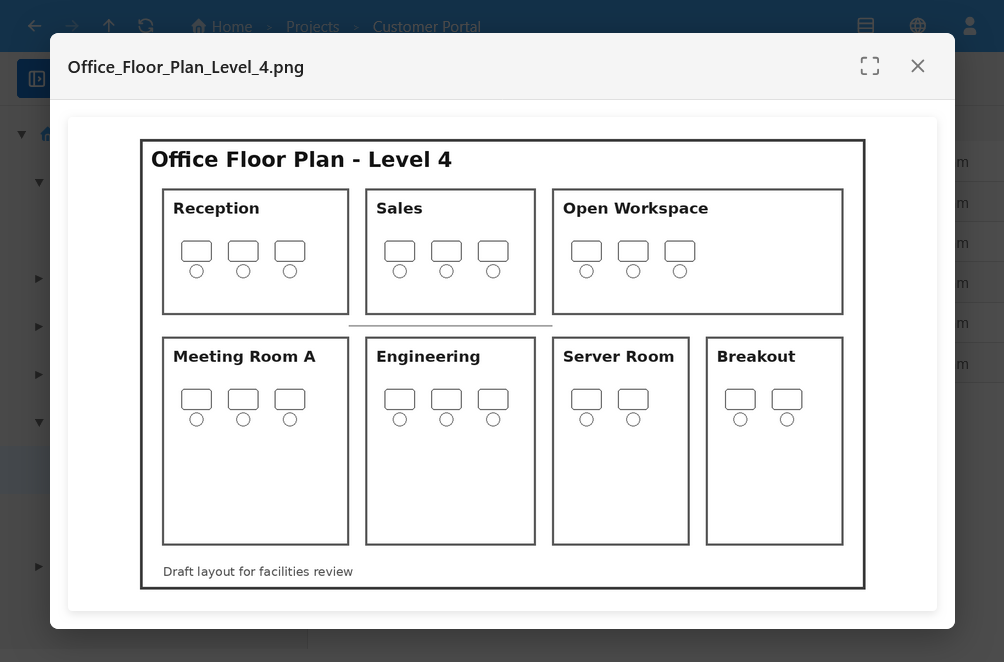
Image preview
Preview images in place, without downloading them first.
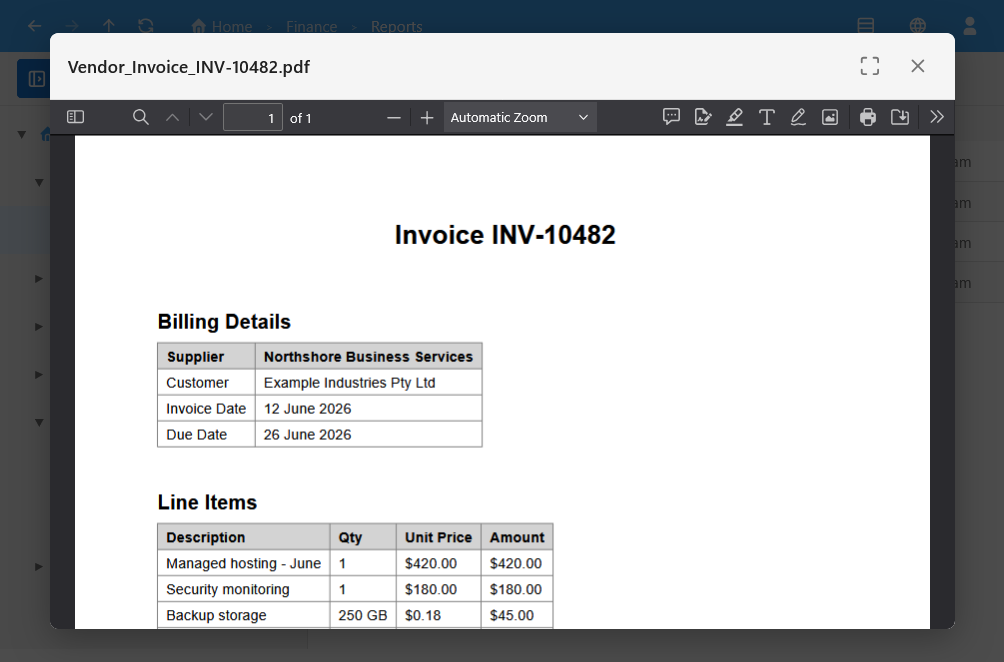
PDF preview
Open PDFs in the built-in viewer.
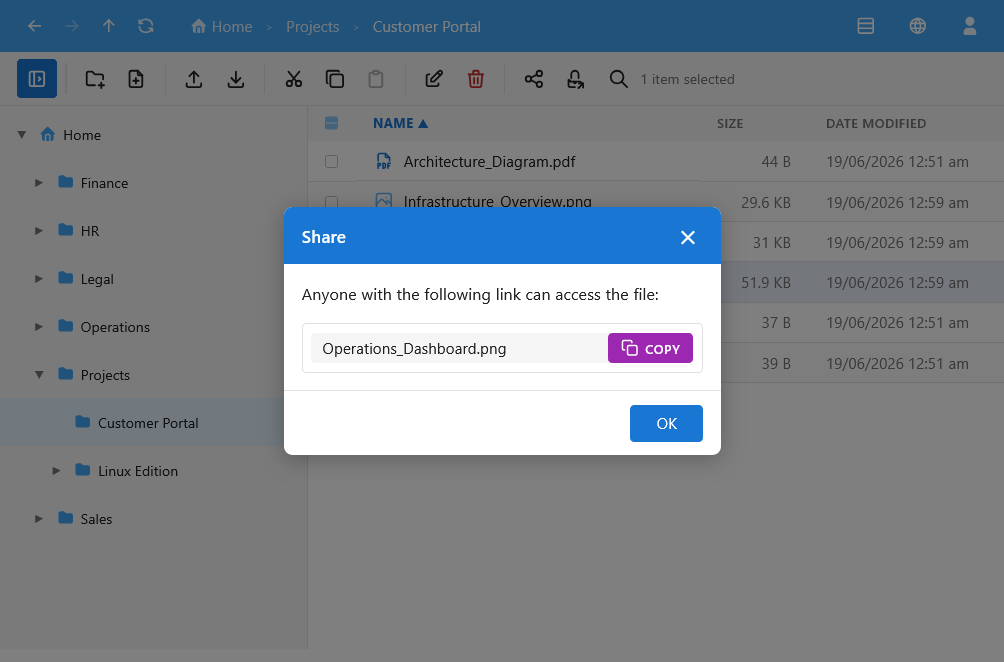
File sharing
Share files and folders with people outside your organisation.
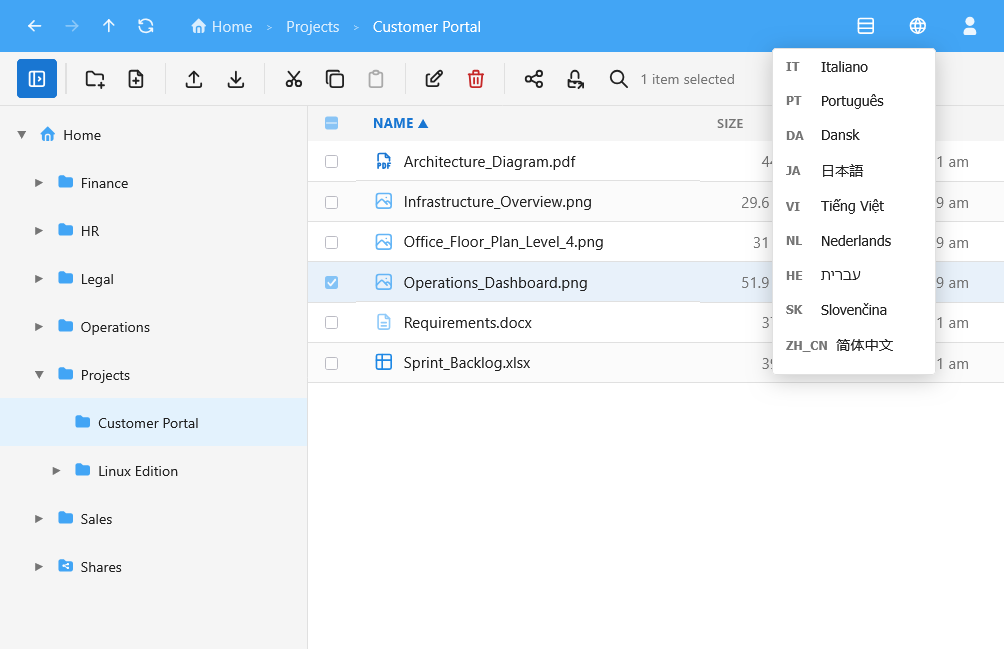
Multiple languages
Switch the interface language at any time; 20 languages are included.
Read more in the CompleteFTP User Guide.
Questions about Web File Manager? Ask our AI assistant