Contents
›
Installation
Uninstalling
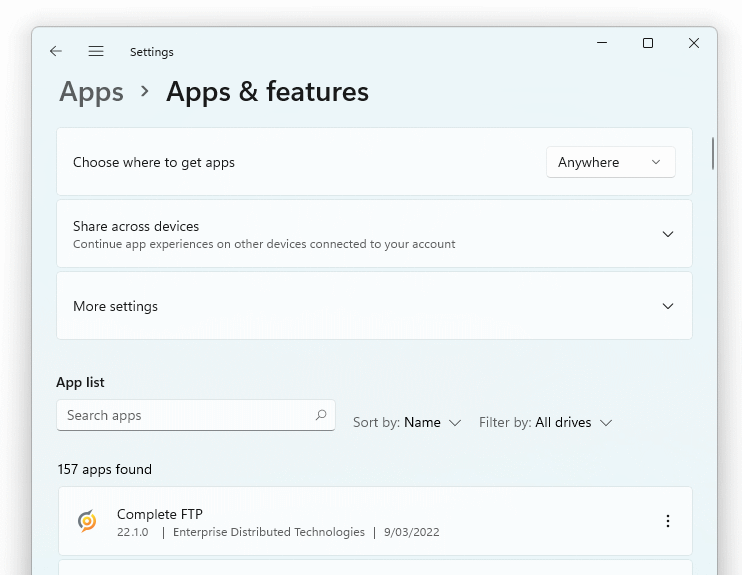
To uninstall CompleteFTP:
Press Windows+X
Select Apps and Features to show the following:
Click the vertical dots next to CompleteFTP
Select Uninstall
Follow the prompts
←
Previous: Installation
All topics
Next: How to run the server
→